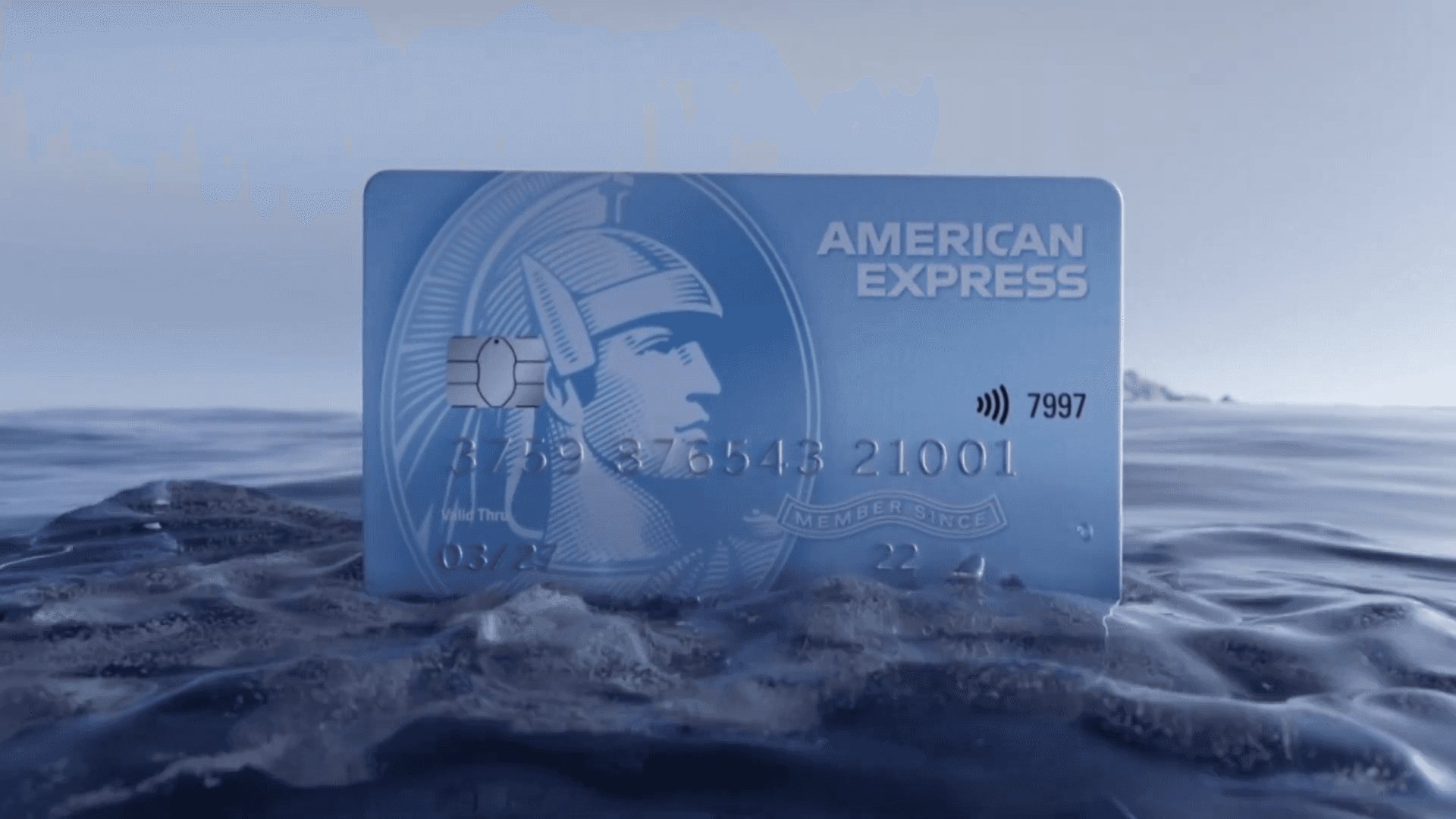
Transforming raw elements into financial elegance, this full CGI product reveal showcases the power of physics simulations and texture mapping. A premium 3D animation project by FireDrum Studios, creating tactile realism for American Express.
[Client]
City Bank
[Year]
2023
[Services]
3D Animation, Fluid Simulation, 3D Modeling
[Catagory]
3D Animation
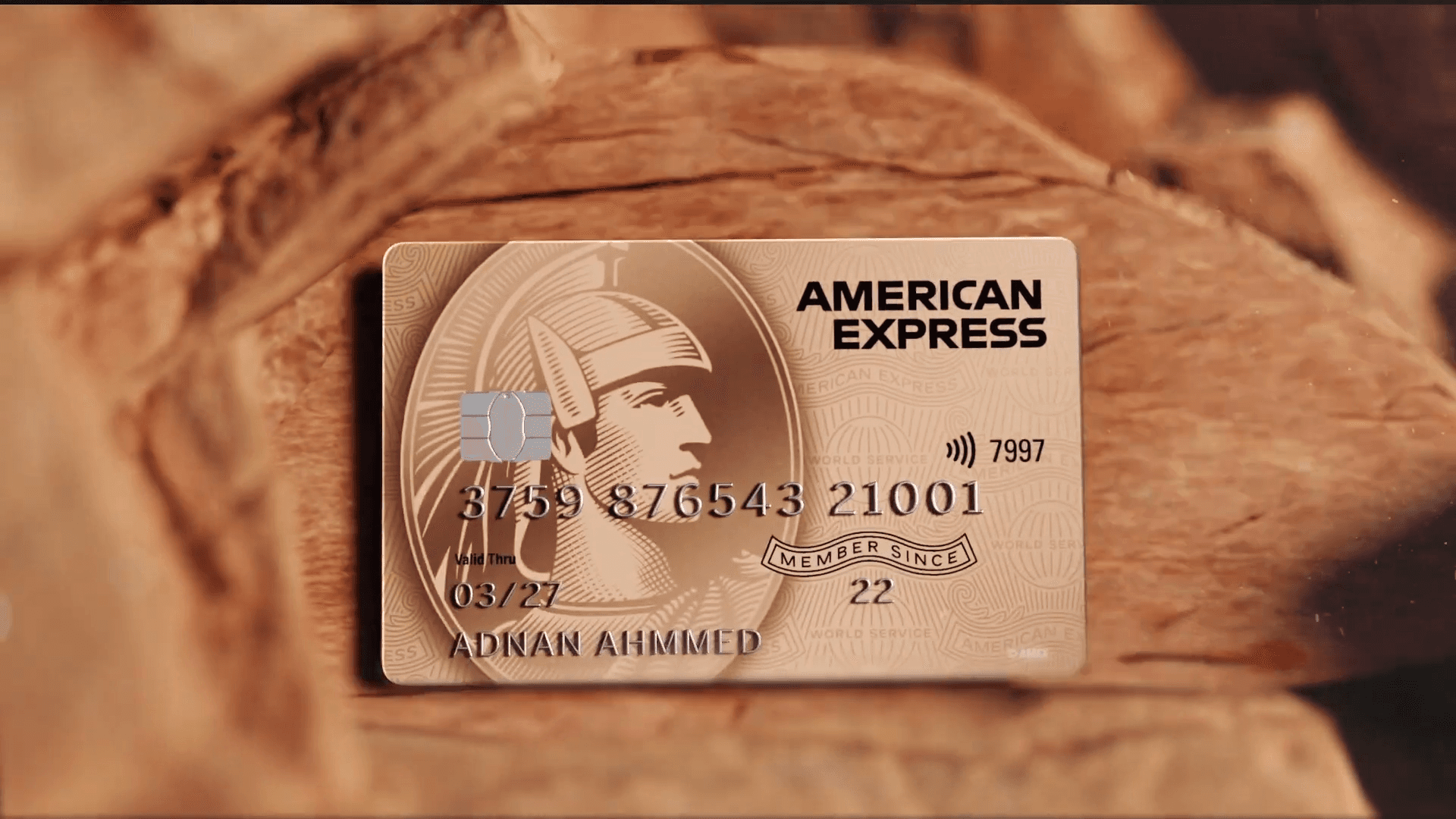
A Look Inside the American Express Reveal
We built a full CGI sequence where the American Express card forms out of crashing waves and shifting rock. It was a fun challenge to mix heavy fluid simulations with texture tricks to make digital objects feel like they have real-world weight.
Moving Beyond the Spinning Card
Most product visualization briefs start the same way: a shiny object spinning in a black void. For this project, we wanted to break that habit. As a 3D animation studio in Bangladesh, we spend a lot of time making things look pretty, but this job was about making them look heavy.
The concept was elemental transformation. We needed the card to feel like it was forged from nature—specifically water and stone. The Blue Card had to survive the crash of an ocean wave, while the Gold Card needed to emerge from a warm, rocky terrain.
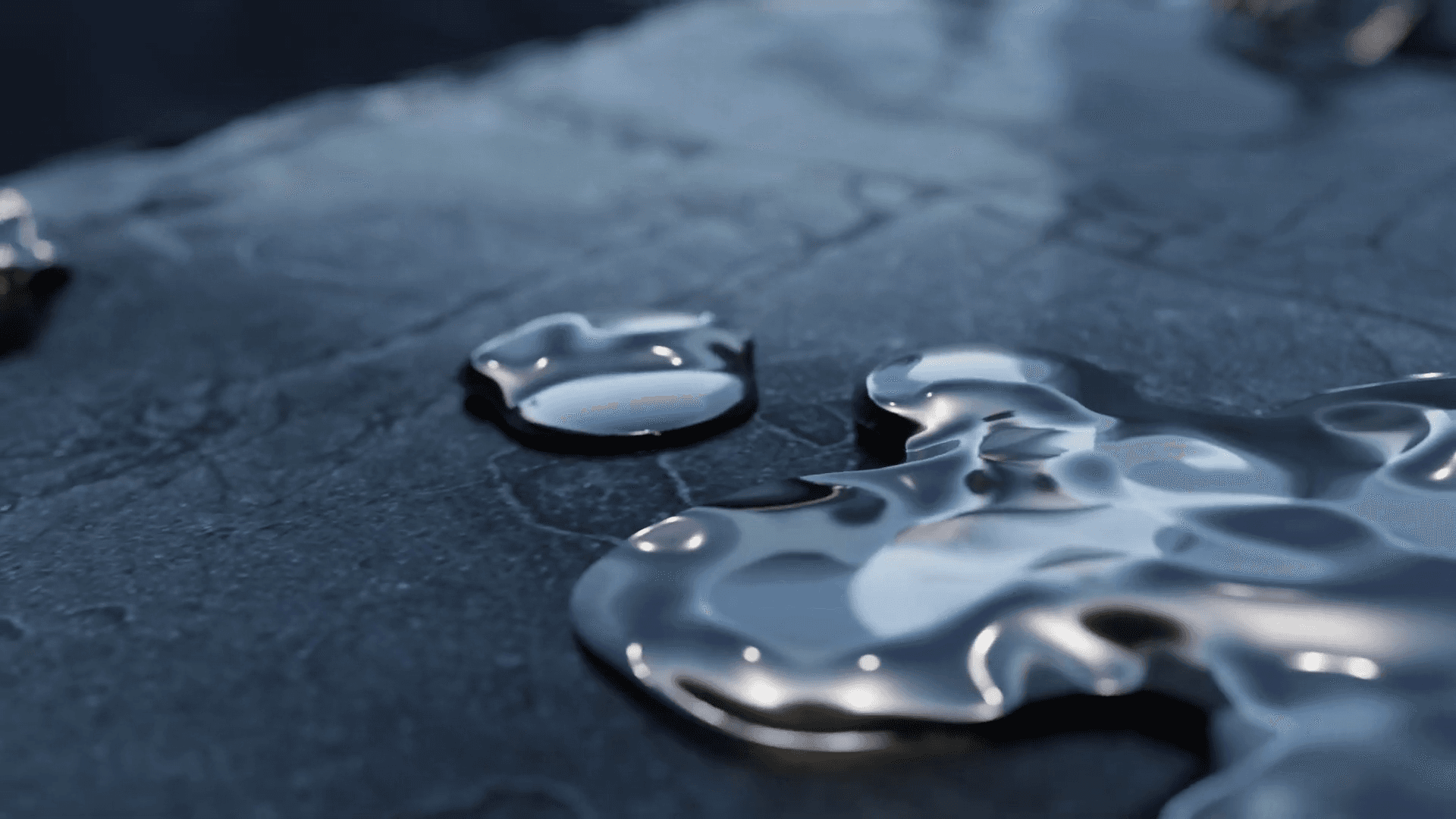
The challenge wasn't just modeling the card; it was the interaction. If the water splashes looked like tiny droplets, the card would look like a toy. If the rock texture looked too flat, the transition would feel cheap. We needed a full CGI setup that could pass for a macro camera lens on a real beach.
Balancing Physics and Art Direction
We split the project into two distinct environments. The ocean scene relied on cool blues and high-contrast lighting to catch the foam, while the rocky scene used warmer tones to sell the "gold" prestige.
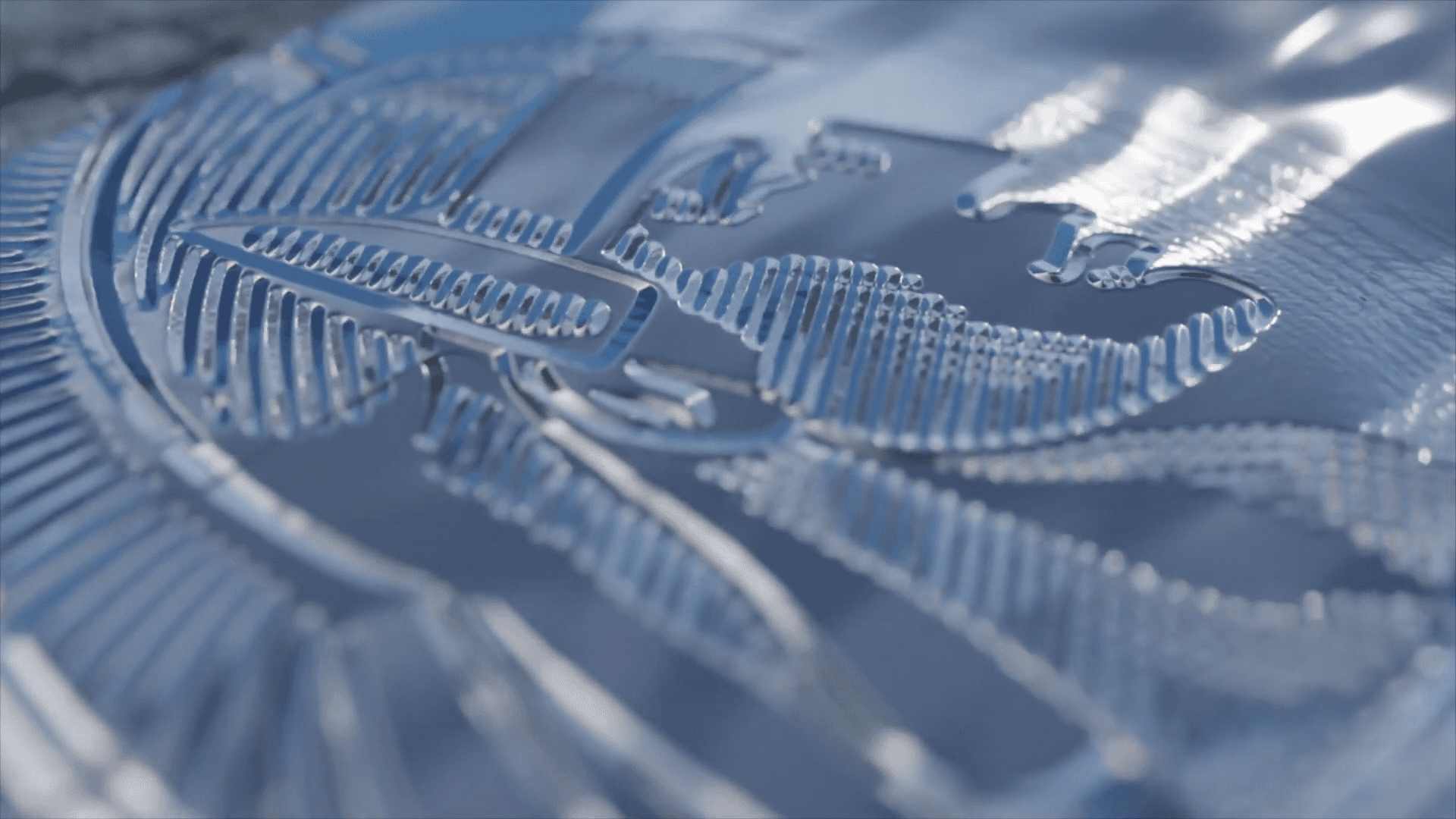
The trickiest part was the logo formation. We needed liquid metal to pool together and harden into the iconic American Express text. It had to look viscous—like mercury—rather than watery. It’s these small details in surface tension and lighting that stop a viewer from immediately realizing they are watching computer-generated imagery.
How We Built It (The Technical Breakdown)
Here is the breakdown of how our team tackled the simulations and transitions without over-complicating the pipeline.
Managed water scale with Flip Fluids
We used the Flip Fluids add-on in Blender for the ocean shots. The hardest part was the scale; water behaves differently around a small credit card than it does around a boat. We tuned the physics to generate "chunky" white water and foam so the card felt small, but the ocean felt powerful.Faked liquid metal with Meta Balls
For the close-up of the logo forming, running a full fluid sim would have been overkill and hard to control. We used a "Meta Ball" workflow instead. This allowed us to animate blobs merging seamlessly. We adjusted the movement to feel thick and heavy, simulating molten silver cooling down, rather than splashing water.Morphed textures using Video-to-Normal Maps
To transition the rough rock surface into the smooth card, we didn't morph the actual 3D geometry. We used a Video to Normal Map technique. We fed video data into the normal map channels, which made the surface bumps "animate" from organic rock noise into the sharp, laser-etched lines of the card. It saved a ton of render time and looked cleaner than displacement modifiers.Polished the look in After Effects
Raw 3D renders are often too sharp. We brought our passes into After Effects to handle the final look. We dialed in the specific American Express blue and gold values here, rather than fighting with 3D lights forever. We also added subtle depth of field and grain to blend the CGI elements together.
If you have a project involving complex simulations or product visualization, get in touch with our team. You can check out Julfikar Steel Ongikar TVC to get more insights about our workflow.