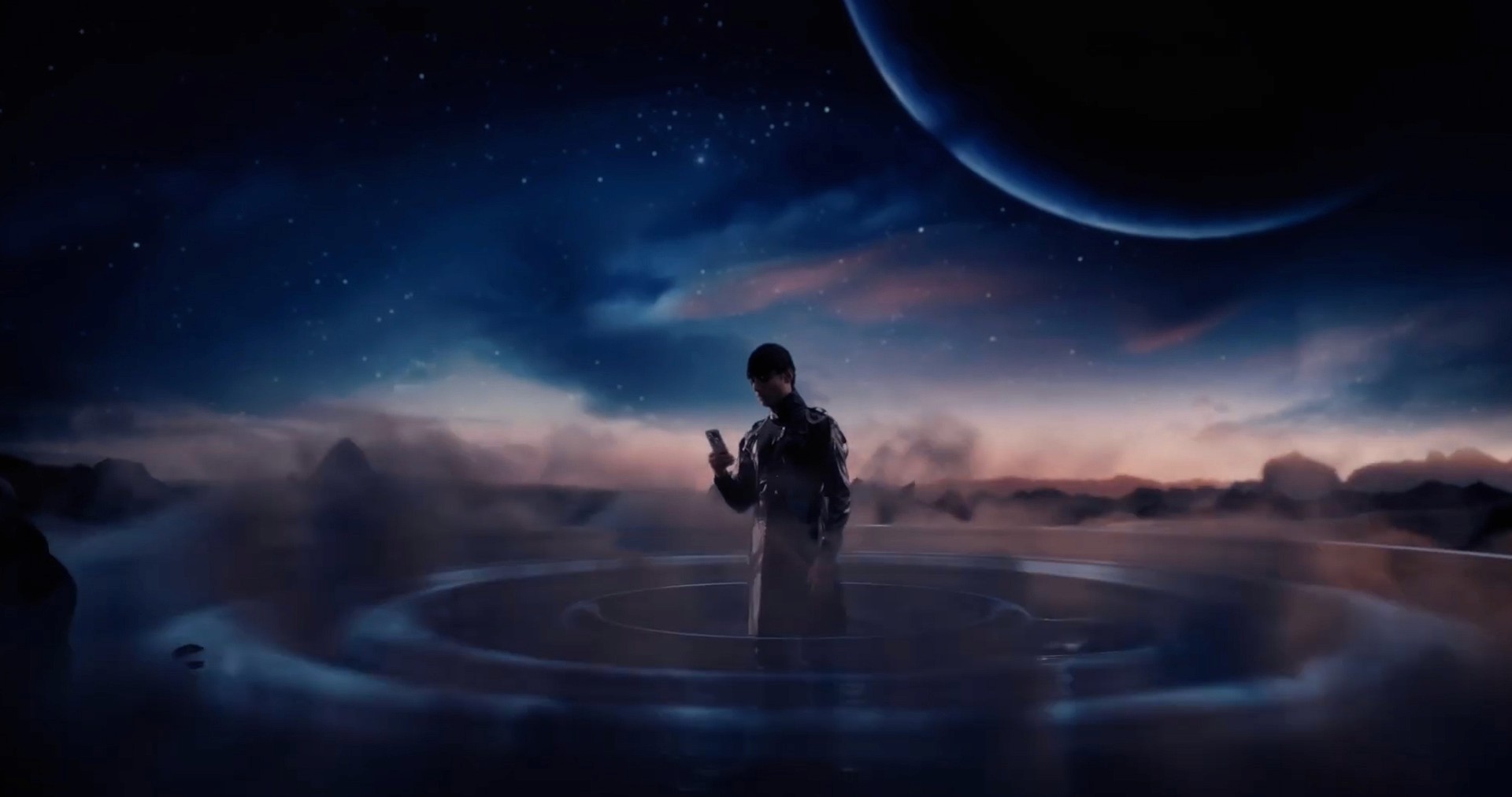
An intense visual experience where the "Portrait Master" interacts with extraterrestrial settings. FireDrum Studios uses Blender, Unreal Engine, and precise compositing to create Realme's most recent flagship.
[Client]
Realme
[Year]
2024
[Services]
Motion graphic,VFX,Editing
[Catagory]
Commercials
The Concept of Perspective
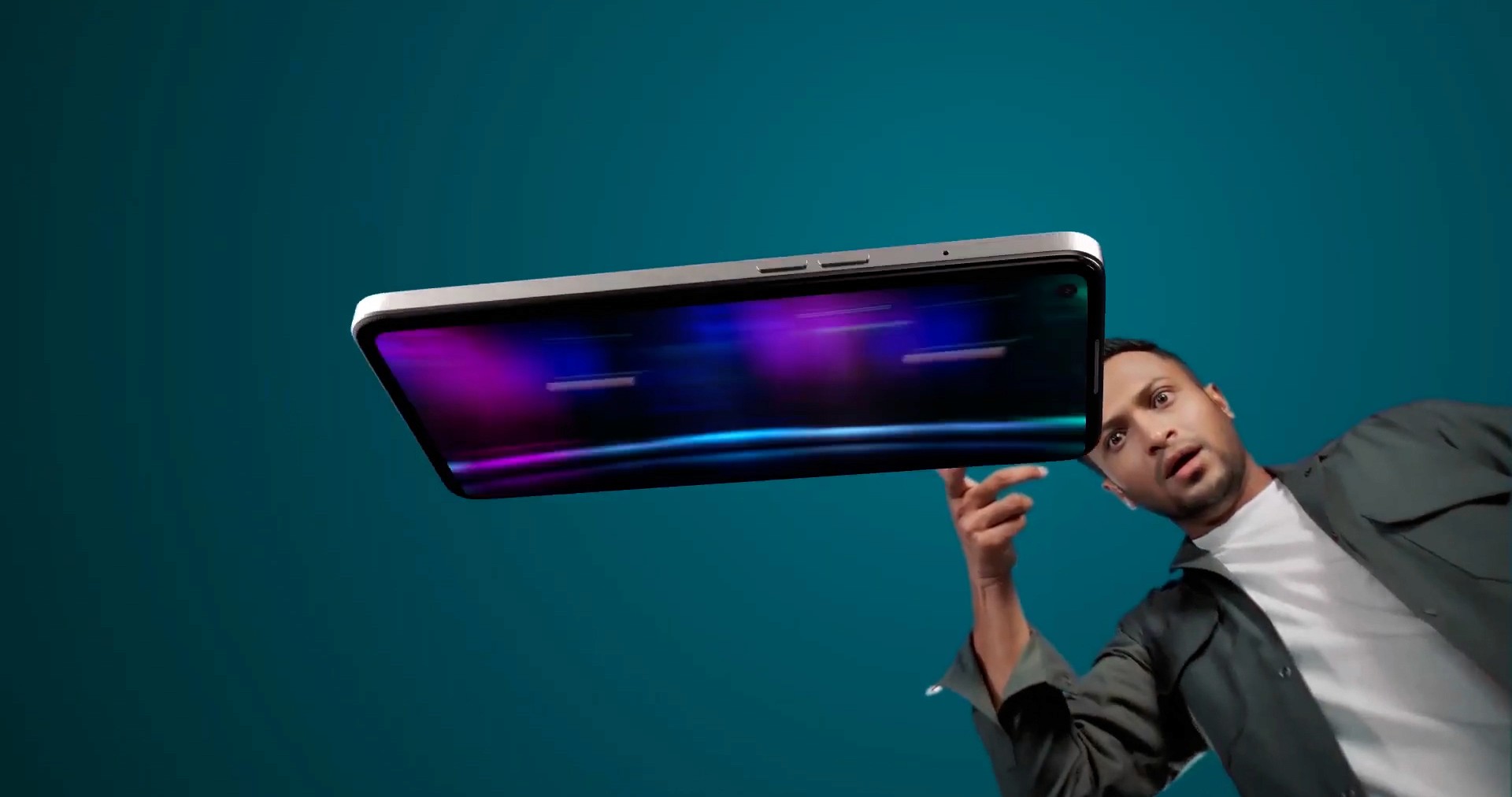
When Realme approached us about the Realme 12, the focus was on the Sony OIS Portrait Camera and the phone's physical design. We decided to lean into the idea of "Perspective." Instead of just showing the phone, we wanted to place it in environments that felt gravity-defying and vast. The goal was to make the transition between a high-fashion studio look and a surreal cosmic landscape feel seamless.
Building Surreal Environments
The project required us to create a sense of scale that you can’t really capture on a standard set. We needed to build environments that felt both alien and grounded. This meant blending practical footage of actors with fully digital spaces. As a post-production studio in Dhaka, we’re used to tight turnarounds, so we had to choose our tools based on what would let us iterate quickly without losing quality.
Handling the Visual Balance
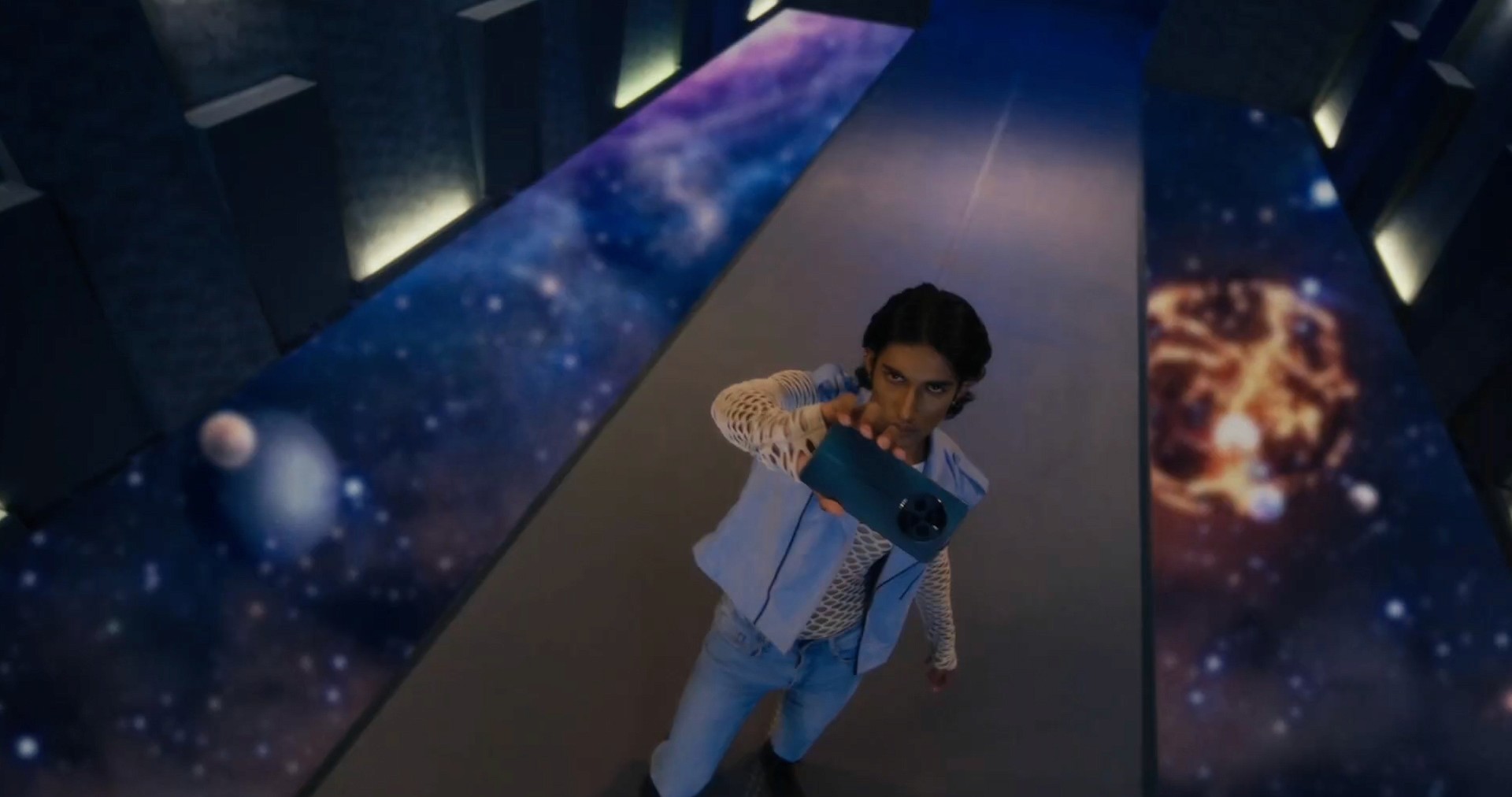
A big part of the job was making sure the phone—the blue Realme 12—didn’t get lost in the heavy VFX. We used high-contrast backdrops, like nebula-patterned floors and dark atmospheric fog, to make sure the product always popped. It wasn’t just about making things look "cool"; it was about making sure the viewer's eye always landed where it needed to.
Technical Execution
Real-time environments in Unreal Engine: We built the dark, atmospheric alien planet sequences in Unreal Engine. This let us tweak the lighting and fog density on the fly, which was a huge time-saver for getting the "mood" right without waiting for long render hours.
Simulating details in Houdini: For the subtle ground ripples and custom cloud formations on the alien world, we used Houdini. We then layered these simulations into the Unreal scenes to add a level of organic detail that real-time tools sometimes struggle with.
Precision Matchmoving in Blender: The futuristic hallways with the space-textured floors were modeled in Blender. To make sure the digital floor didn't "slide" under the actor’s feet, we used PFTrack to get a perfect match between the camera movement and the 3D space.
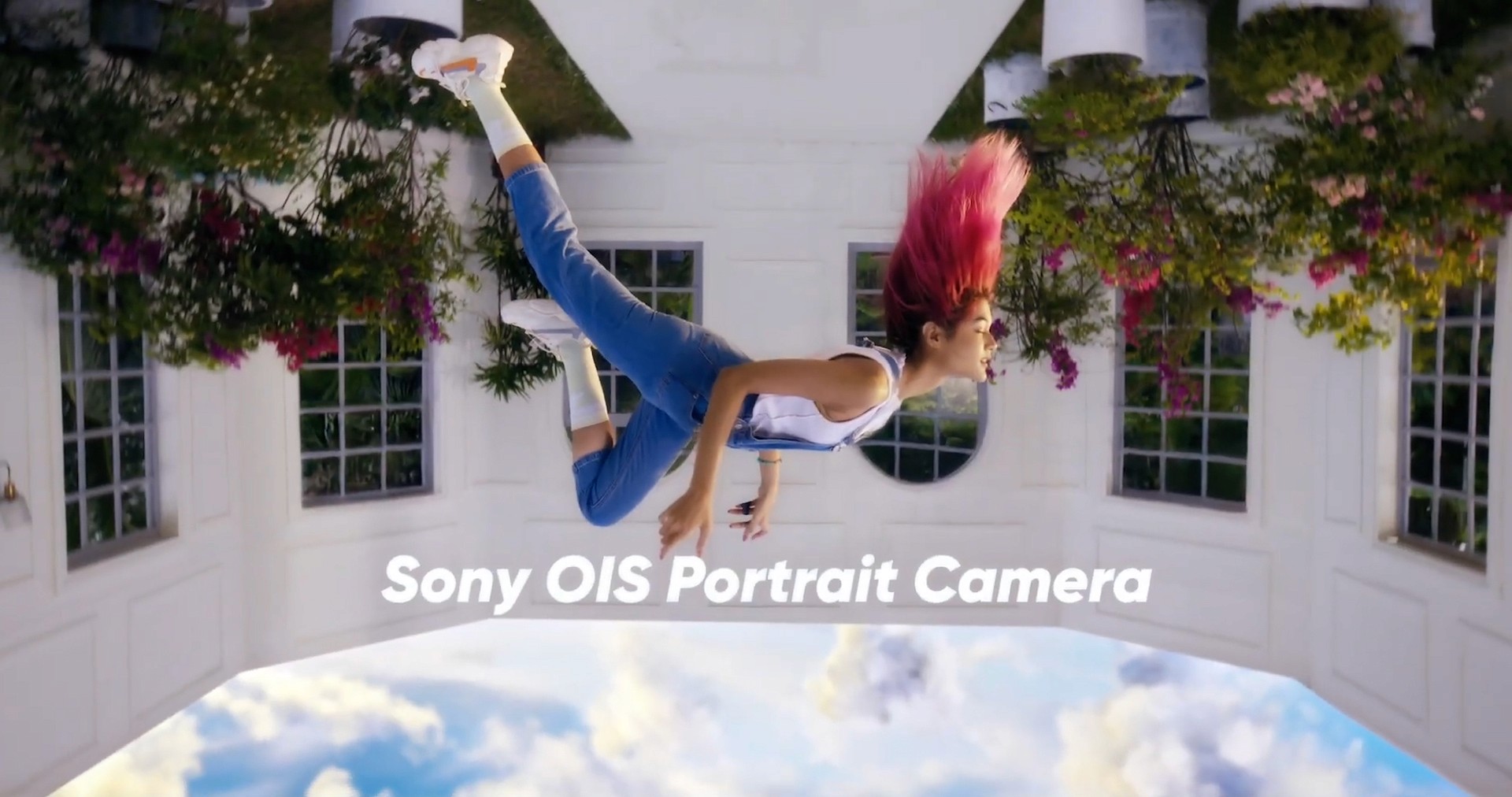
Cleaning up "Invisible" VFX: In the upside-down courtyard scene, the talent was actually hanging from wires. Our team used Mocha and Silhouette to frame-by-frame remove the harnesses and wires. It’s tedious work, but it’s what makes the "floating" effect believable.
Set Extensions in After Effects: To finish the courtyard, we replaced the studio ceiling with a digital inverted sky. This allowed us to control the color and light of the "outside" world while keeping the talent's lighting consistent.
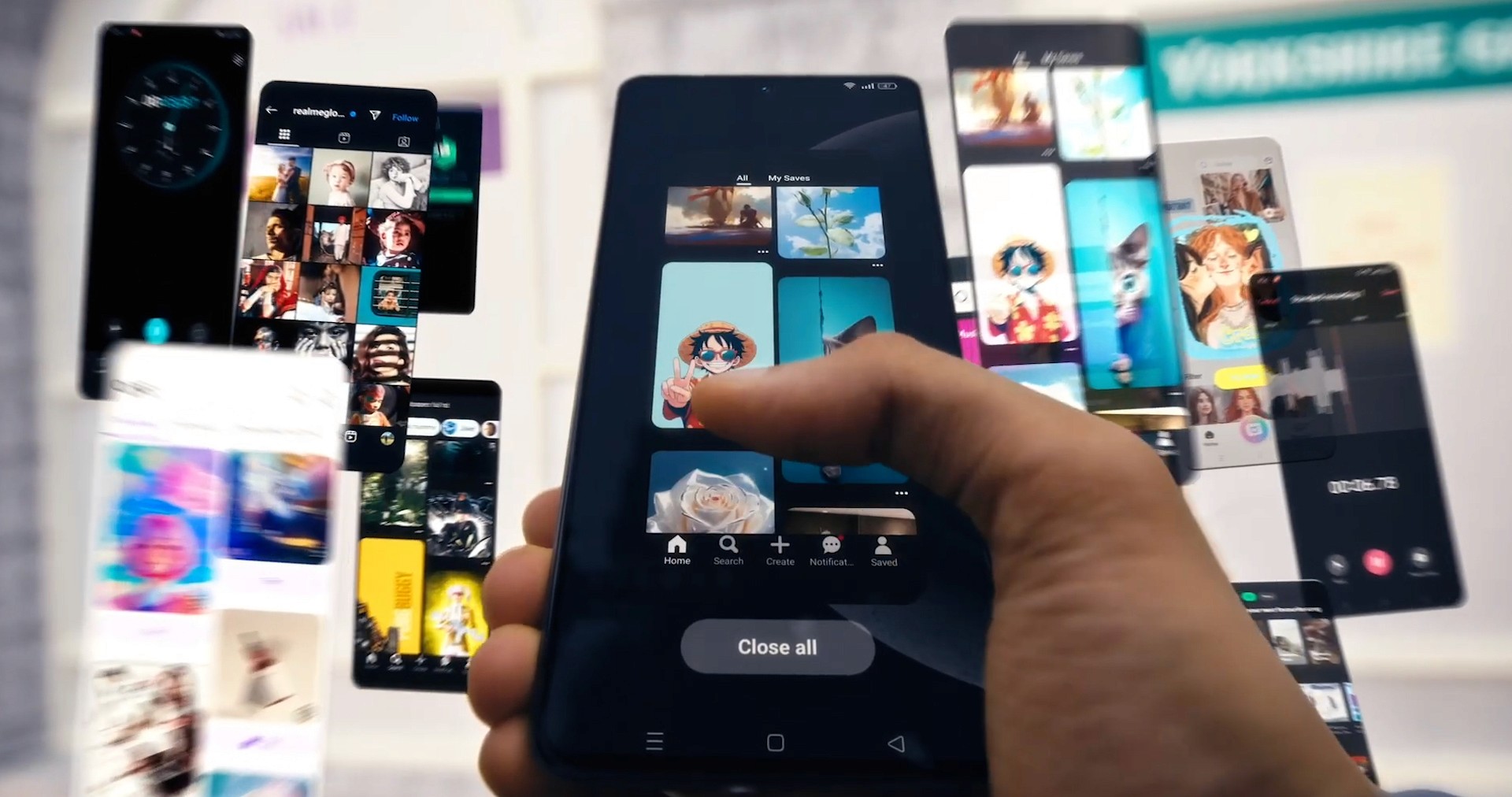
Screen Tracking with GeoTracker: For the floating UI elements, we used GeoTracker to lock the digital interface to the phone’s glass. This ensures that when the actor moves the phone, the social media feeds and images look like they are physically pinned to the device rather than just floating on top of the video.